Submitting Receipts
Last updated: January 22, 2026
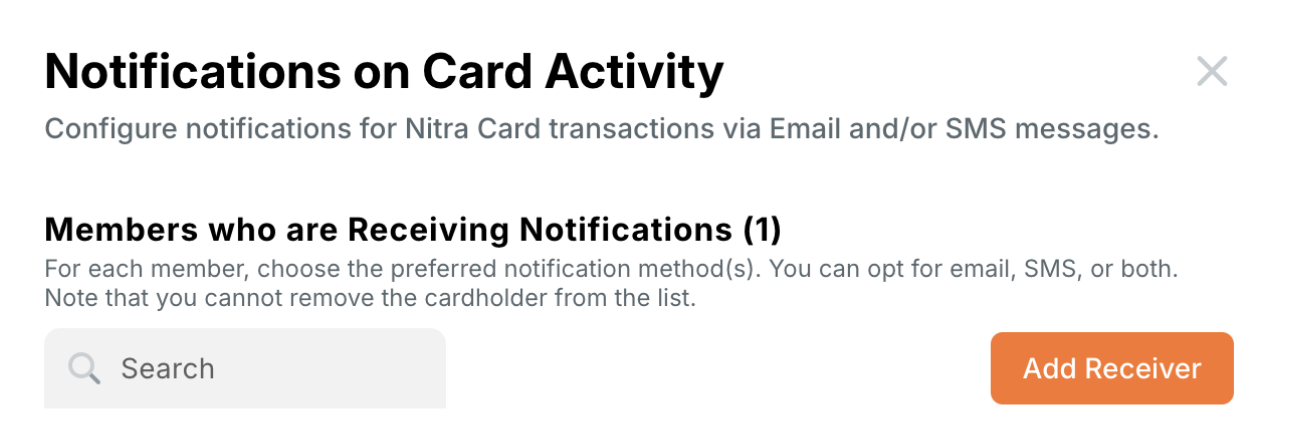
There are three ways to send receipts to Nitra
SMS - Text a picture of your receipt to NITRA (648-72)
Email - email your receipt to receipts@nitra.com
Upload from your computer or phone
Expense Policy
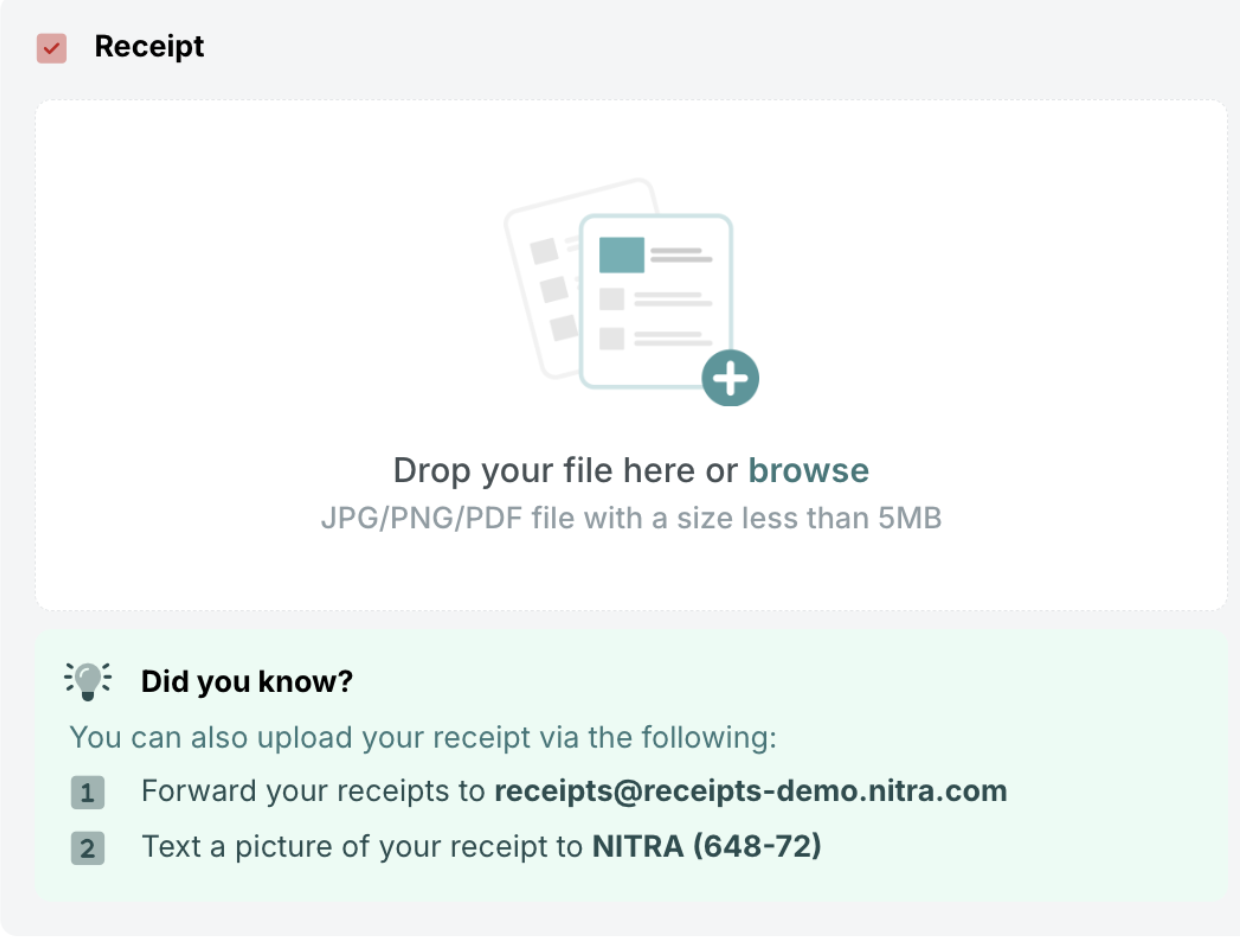
Submission Requirements
Submission requirements define the rules employees must follow to correctly submit receipts, memos, and accounting fields after using a Nitra Card. This is optional, you can turn this off if you would like.
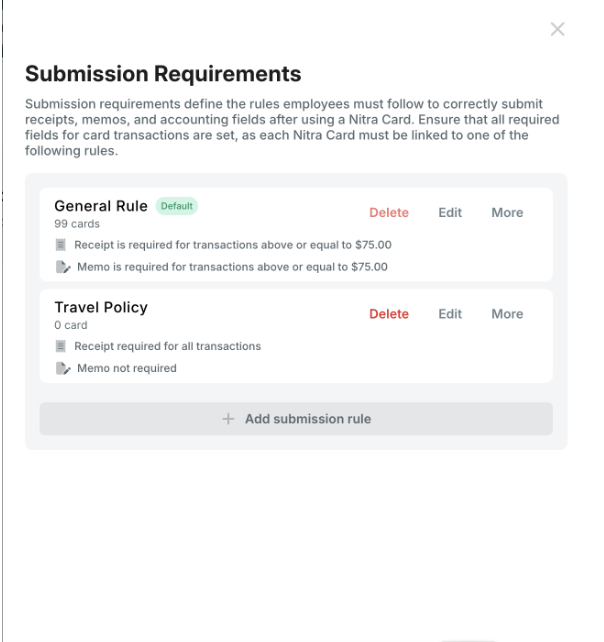
Ways to submit receipts
After you make a transaction on your physical card, or virtual card, you can send your receipts to Nitra in a few ways:
Leveraging automatic receipt matching
Nitra offers automatic receipt matching for multiple languages/countries and international currencies, which means that we'll automatically match your receipts to the correct transactions in seconds. You no longer have to spend time finding receipts and attaching them to your transactions— Nitra will do it for you.
For transactions made in person, we'll notify you via SMS when a receipt is required. Simply reply with a photo of your receipt or text us. Any text you add to this SMS will be added as a memo.
For online transactions, we'll notify you via email when a receipt is required. Simply respond or email/forward your receipt(s) directly to receipts@nitra.com Simply add "memo: enter your memo" in the body of the email after attaching to the email the receipt for that specific transaction, and we'll automatically add the memo.
Supported image types: jpg, jpeg, png, pdf
Save our email (receipts@nitra.com in your contacts.
You can also set up automatic forwarding of email receipts via your mailbox.
If your receipt does not find a match, it will sit in the queue for 30 days and retry matching everyday while it is in the queue.
Forwarding receipts via additional email addresses
Any receipt forwarded from the email associated with your Nitra account will be automatically matched to a transaction. We can also accept receipts from other email addresses and phone numbers you set up.